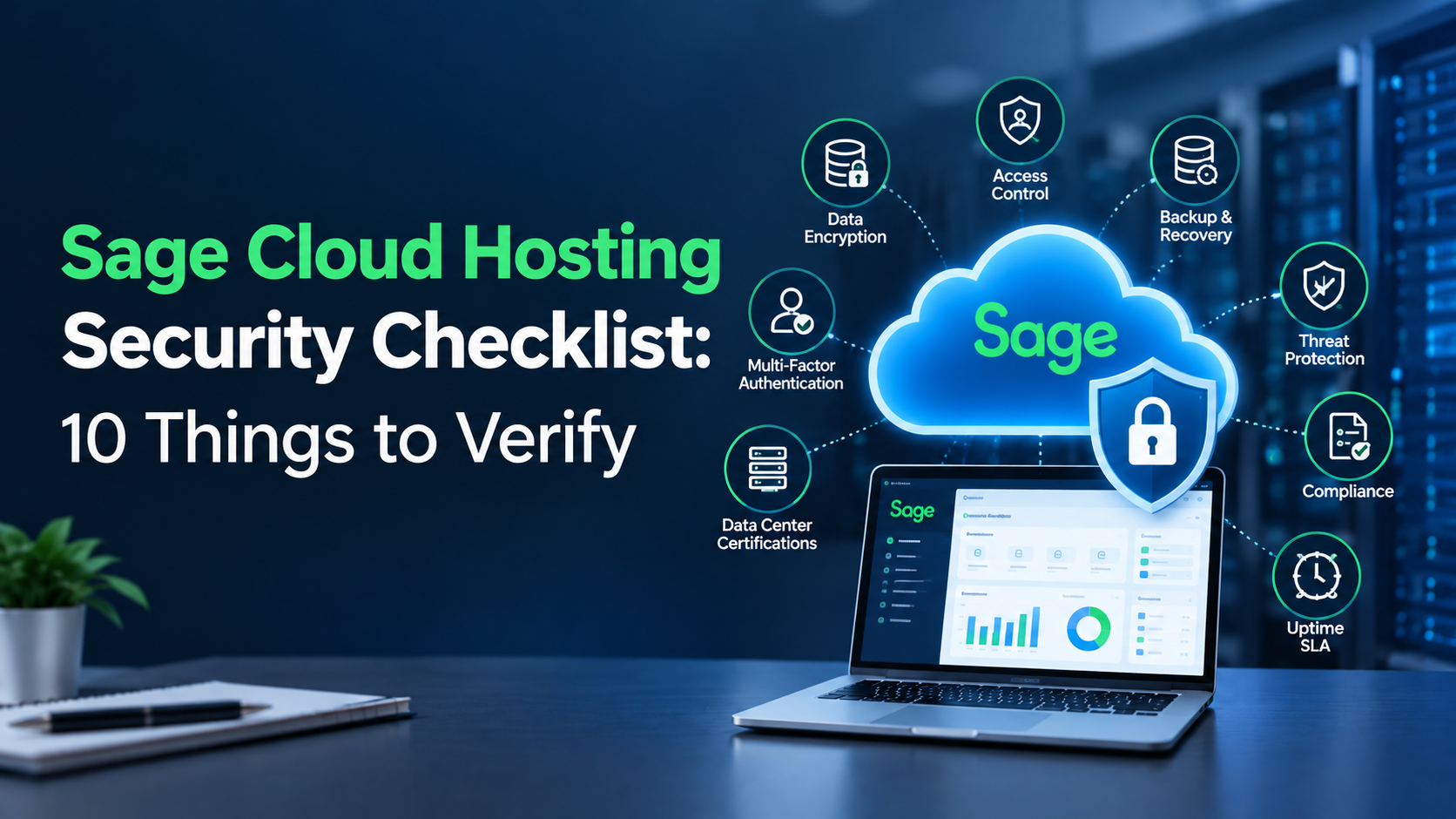
Moving Sage applications to a hosted environment can give businesses greater flexibility, remote accessibility, and centralized management. However, financial and business data requires strong protection against unauthorized access, data loss, ransomware, and service disruptions.
Before selecting a hosting provider, businesses should look beyond basic server specifications and evaluate the security controls supporting their hosted Sage environment. A reliable Sage cloud hosting provider should have clearly defined policies for encryption, authentication, backups, disaster recovery, access management, monitoring, and incident response.
Use the following checklist to evaluate whether a provider offers the security measures your business requires.
1. Data Encryption at Rest and in Transit
Encryption helps protect sensitive information from unauthorized access while data is stored and transmitted.
Ask the hosting provider how it protects Sage data:
- Encryption at rest: Protects data stored on servers, databases, and storage systems.
- Encryption in transit: Protects information while it moves between users, devices, and the hosted environment.
Businesses should also ask which encryption standards and protocols are used and how encryption keys are managed.
2. Multi-Factor Authentication
Passwords alone may not provide sufficient protection for business applications containing sensitive financial information.
Multi-factor authentication (MFA) requires users to provide an additional verification method beyond their password. Depending on the provider, this may include an authentication app, security key, or one-time verification code.
When evaluating Sage cloud hosting, confirm whether MFA is available for administrative accounts as well as regular users. It is also useful to determine whether MFA policies can be enforced according to user roles and access requirements.
3. Backup Frequency and Retention
A backup strategy is essential for protecting Sage data against accidental deletion, system failures, corruption, and other data-loss events.
Ask the provider:
- How frequently are backups performed?
- How long are backups retained?
- Are multiple backup copies maintained?
- Are backups stored separately from production systems?
- Can individual files or complete environments be restored?
- How quickly can data be recovered?
Backup retention should match the business’s operational and regulatory requirements. A provider should also clearly document its backup and restoration procedures.
4. Disaster Recovery
Backups and disaster recovery are related but serve different purposes. Backups provide recoverable copies of data, while a disaster recovery strategy defines how systems and services are restored following a major disruption.
Two important measurements are:
- Recovery Time Objective (RTO): The target amount of time required to restore the service.
- Recovery Point Objective (RPO): The target amount of data that may be lost based on the most recent recoverable copy.
Businesses should ask for specific RTO and RPO commitments rather than accepting general statements about disaster recovery. The provider should also explain how recovery procedures are tested.
5. Data Center Certifications
The physical and operational standards of the hosting facility are important when evaluating infrastructure security.
Look for recognized certifications and compliance frameworks such as SOC 2 and ISO 27001, where applicable. These can provide information about how an organization manages security and related controls.
Businesses should verify the exact certification held by the provider or data center, its scope, and whether it applies to the services being purchased. Certifications should be considered alongside other security practices rather than as the only measure of protection.
6. Access Controls and User Permissions
Not every employee needs access to every Sage function or business record.
A secure hosting environment should support appropriate user access controls and permissions. Businesses can use role-based access to limit users to the applications, files, and functions required for their responsibilities.
When reviewing a provider, ask whether it supports:
- Role-based permissions
- Administrative access controls
- User account management
- Privileged access restrictions
- Access logging and monitoring
- User deactivation when employees leave
Well-managed permissions can reduce the risk associated with unnecessary access to sensitive financial information.
7. Ransomware Protection and Monitoring
Ransomware can affect applications, servers, and business data by encrypting files or disrupting access to critical systems.
A hosting provider should have security measures designed to detect and respond to suspicious activity. These may include endpoint protection, network monitoring, threat detection, firewall controls, and security alerts.
Businesses should also ask how the provider handles suspected ransomware incidents and whether backups are protected against unauthorized modification or deletion.
8. Patch and Update Management
Operating systems, databases, security software, and other infrastructure components require regular updates to address vulnerabilities and maintain system stability.
Ask the hosting provider how patches are evaluated, tested, scheduled, and deployed. It is also important to understand how critical security updates are prioritized and whether maintenance windows are communicated in advance.
A structured patch management process can reduce exposure to known vulnerabilities while helping maintain a stable hosted environment.
9. Compliance Support
Depending on the business, its customers, and the type of information it handles, specific regulatory or contractual requirements may apply.
A hosting provider may offer security controls and documentation that support compliance efforts involving frameworks or regulations such as GDPR or HIPAA, where relevant.
However, hosting alone does not automatically make a business compliant. Organizations remain responsible for their own policies, user access, data handling procedures, and regulatory obligations.
Before choosing a provider, ask what compliance documentation and security information can be provided to support your organization’s requirements.
10. Uptime SLA and Incident Response Process
Security is only one part of a reliable hosting environment. Businesses also need consistent access to their Sage applications.
Review the provider’s uptime Service Level Agreement (SLA) to understand:
- The guaranteed availability percentage
- How downtime is measured
- Planned maintenance exclusions
- Service credits or other remedies
- Support response commitments
You should also review the provider’s incident response process. Find out how security incidents are detected, escalated, investigated, communicated, and resolved.
A clearly documented process can help businesses understand what happens when an infrastructure or security event affects their hosted environment.
Questions to Ask Before Choosing a Hosting Provider
Once you have reviewed the 10 security areas above, ask potential providers for specific information rather than relying on general security claims.
Consider asking:
- What encryption methods protect my data?
- Is MFA available for all users and administrators?
- How often are backups performed?
- How long are backups retained?
- What are your RTO and RPO commitments?
- Which data center certifications apply to my hosted environment?
- How are user permissions managed?
- What security monitoring is performed?
- How quickly are critical patches deployed?
- What incident response procedures are in place?
- What uptime does the SLA guarantee?
- Can you provide relevant security or compliance documentation?
These questions can help you compare providers based on their actual security practices, service commitments, and support capabilities.
Why Security Should Be a Priority for Sage Hosting
Sage environments can contain sensitive financial, customer, employee, and operational information. A security incident can therefore affect more than application availability; it can also create operational disruption and potential data-protection concerns.
For this reason, Sage Cloud hosting should be evaluated as a combination of application hosting, infrastructure security, data protection, access management, backup, and ongoing monitoring.
Businesses should also review their own responsibilities, including strong passwords, MFA adoption, user permissions, endpoint security, and employee security practices. Cloud security works best when provider controls and customer-side practices are managed together.
Conclusion
Security should be a key consideration when moving Sage applications to a hosted environment. From encryption and MFA to backups, disaster recovery, access controls, monitoring, and uptime commitments, each layer helps protect business data and maintain reliable access.
Before choosing a provider, review its security practices, certifications, backup policies, SLA, and support capabilities to ensure they align with your business requirements.
If you’re looking for a provider that can help you meet these requirements, Apps4Rent offers Sage cloud hosting with managed infrastructure, security, backups, and technical support. Its hosted environment helps businesses run Sage applications without the day-to-day responsibility of maintaining the underlying server infrastructure.